/Lawcode%20Logo%20(White).svg)
Click on Organizational Hierarchy to delete a client

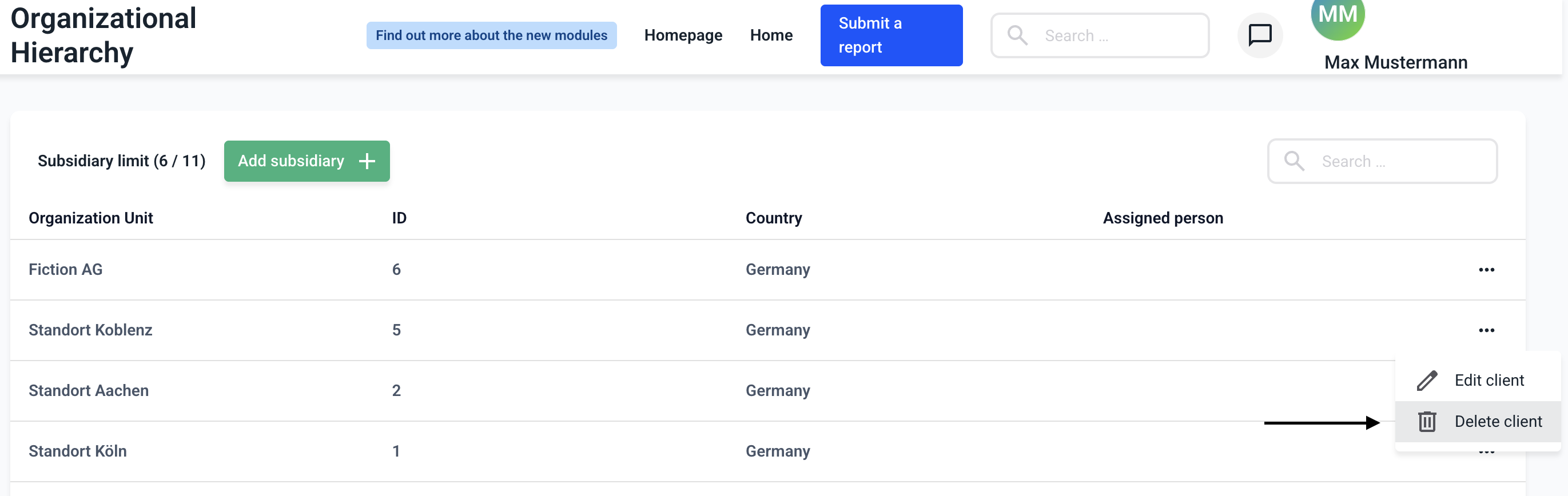
Click on the three dots on the right-hand side of the client you want to delete.

Now click on Delete client.
A new window will appear in which you must confirm the deletion. To do so, click on Delete.
