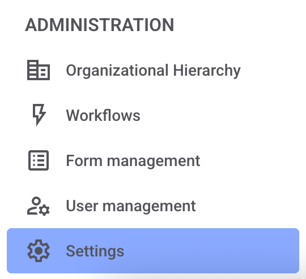
Click Settings in the administration area.
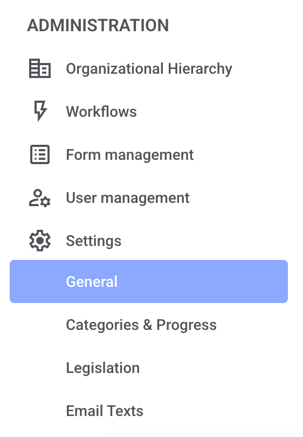
Now click on General.
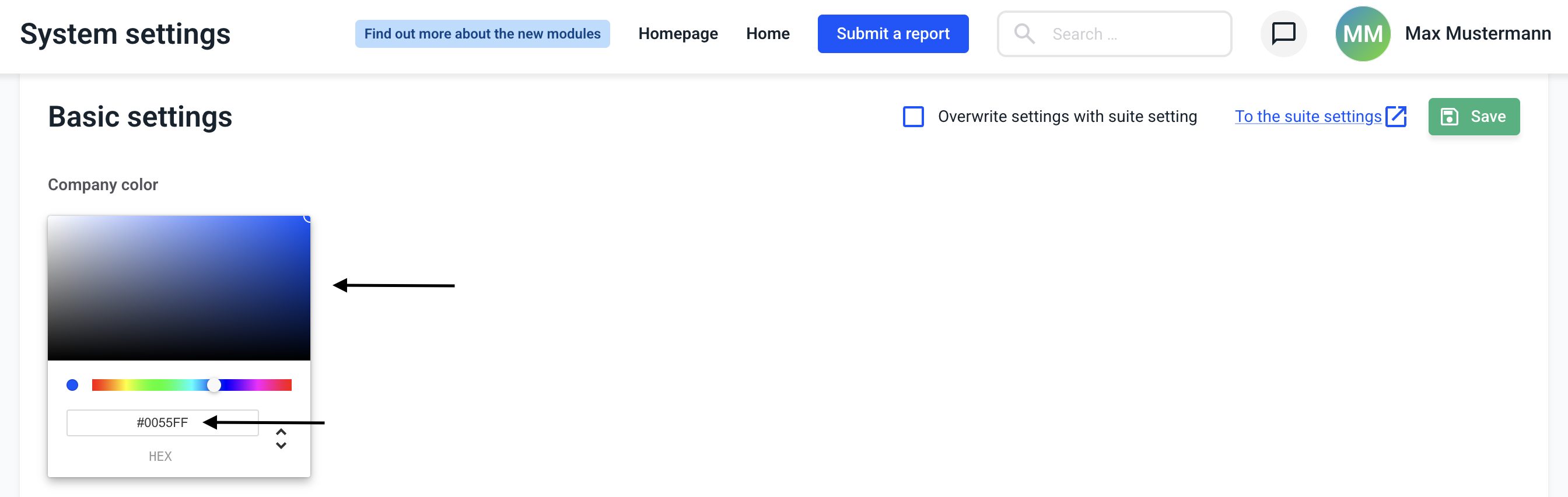
The color can be selected by clicking on one of the colors displayed or by entering the hexadecimal code in the input field.
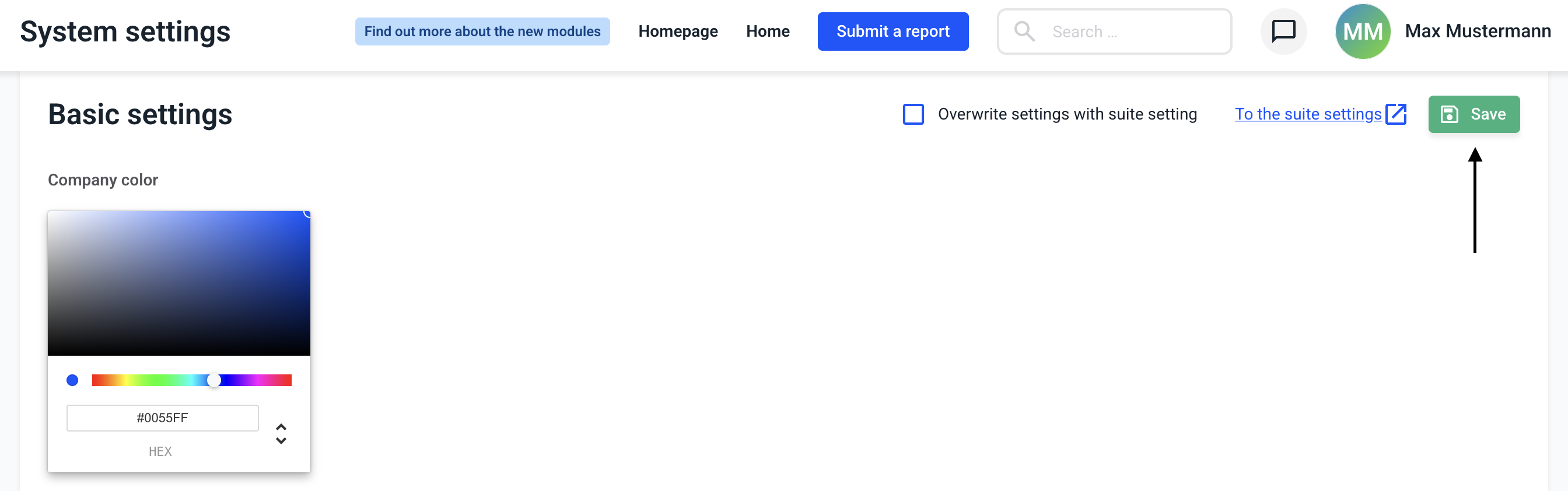
The change must be saved by clicking on Save.
/Lawcode%20Logo%20(White).svg)
Click Settings in the administration area.
Now click on General.
The color can be selected by clicking on one of the colors displayed or by entering the hexadecimal code in the input field.
The change must be saved by clicking on Save.