/Lawcode%20Logo%20(White).svg)
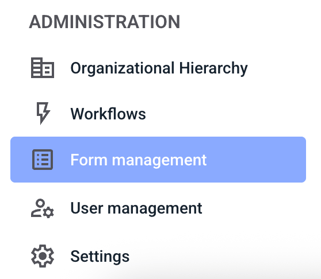
It is possible to allow whistleblowers to distort their voice recordings. To do this, first navigate to the Form management section.
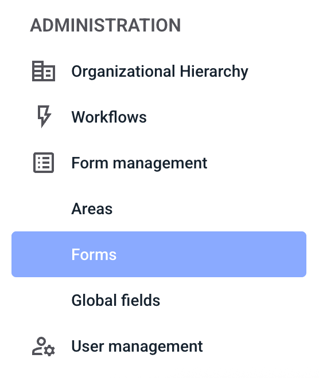
Now click on Forms.
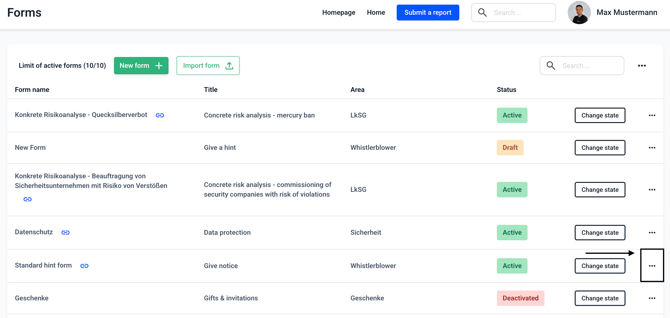
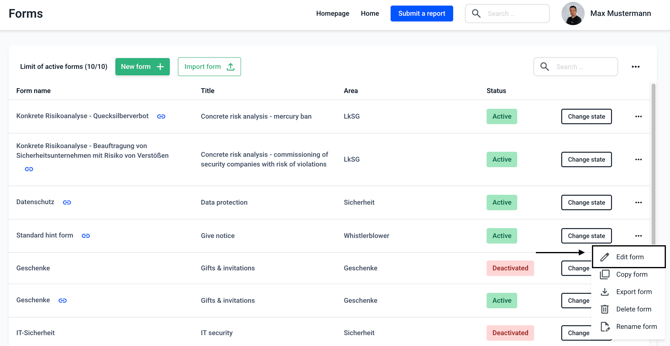
Now click on the three dots on the right-hand side of the form of your choice.
Click on Edit form.
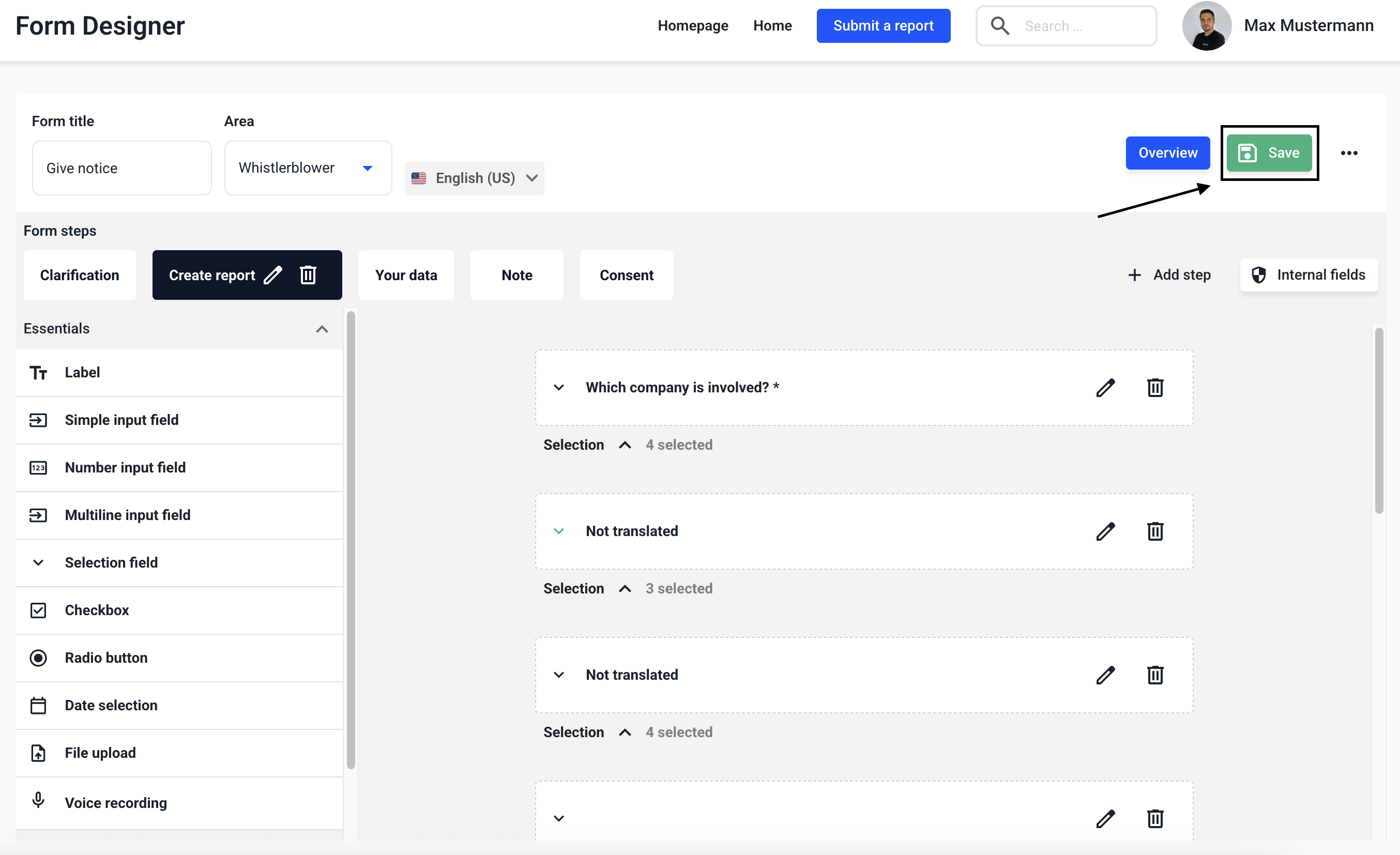
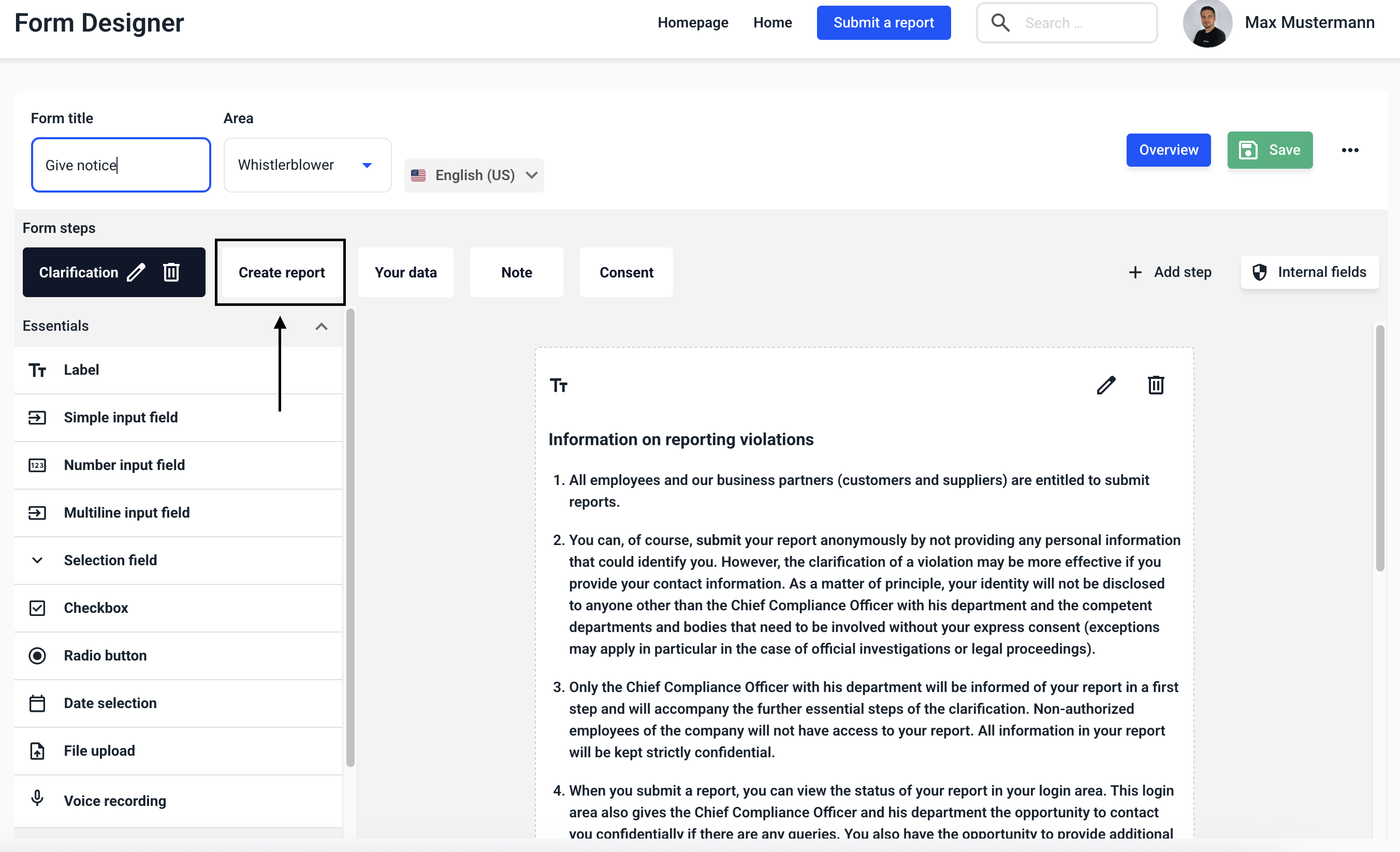
Navigate to the Create Report step.
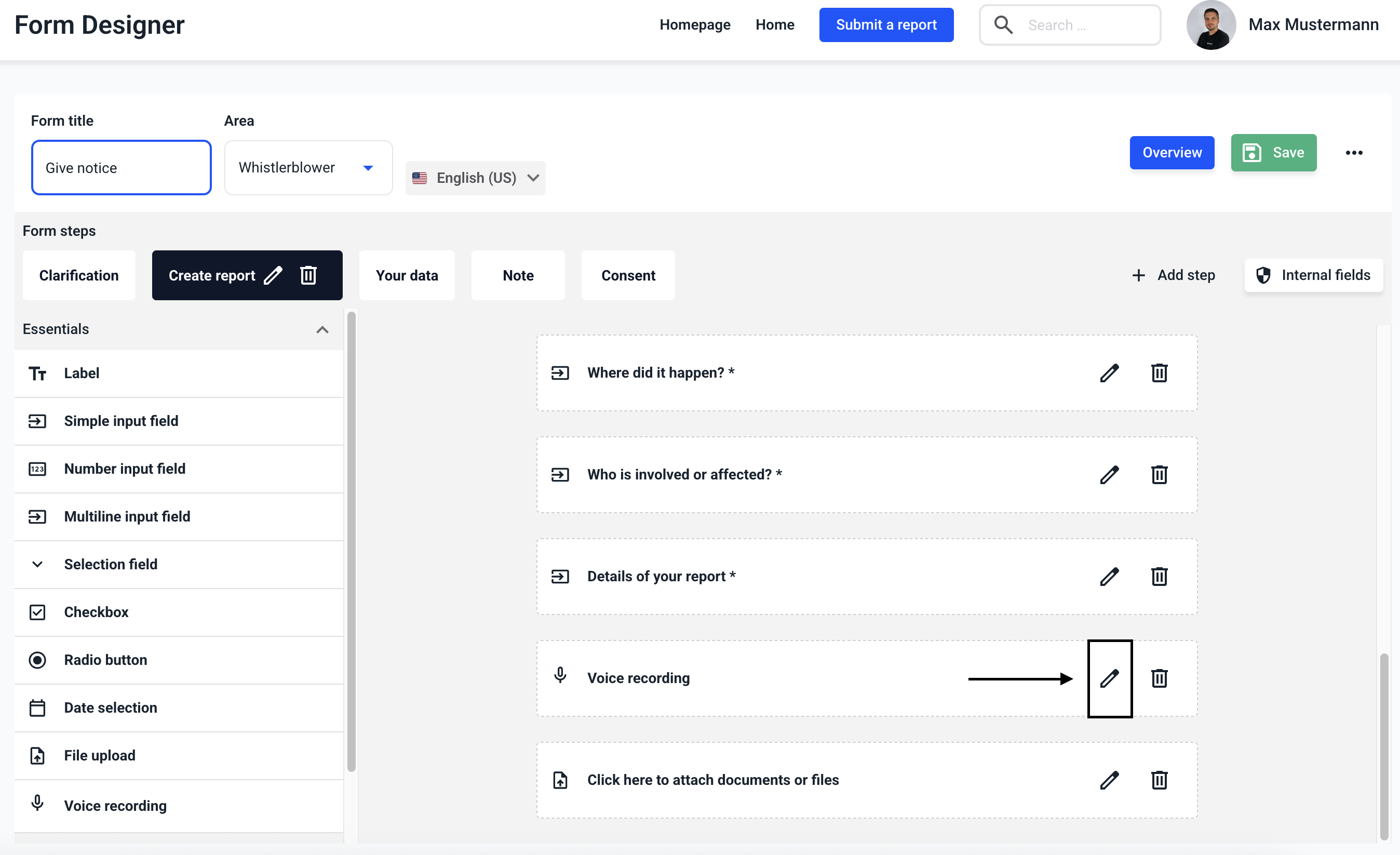
Click on the edit pencil during Voice recording.
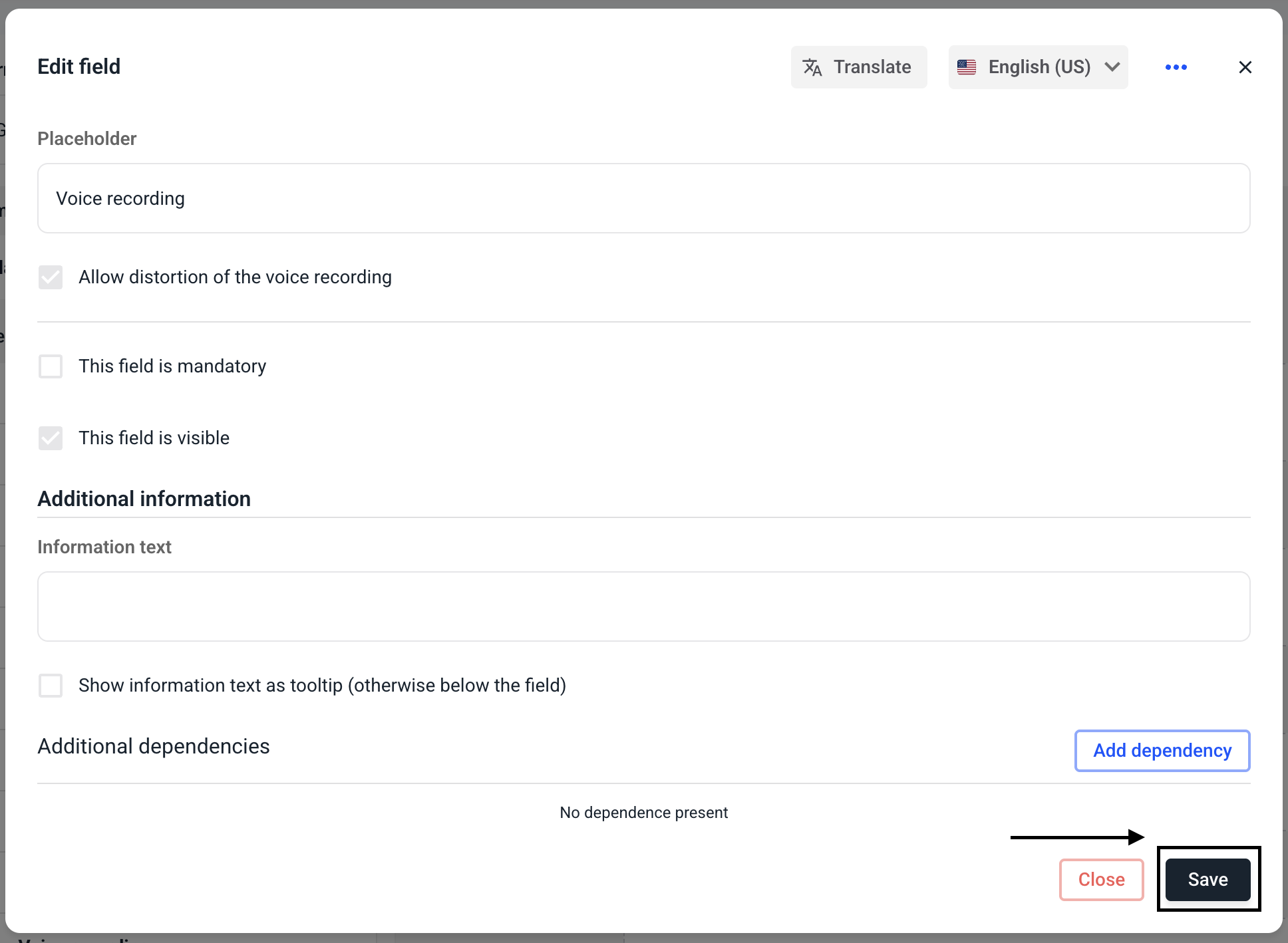
Select the Allow distortion of the voice recording checkbox.
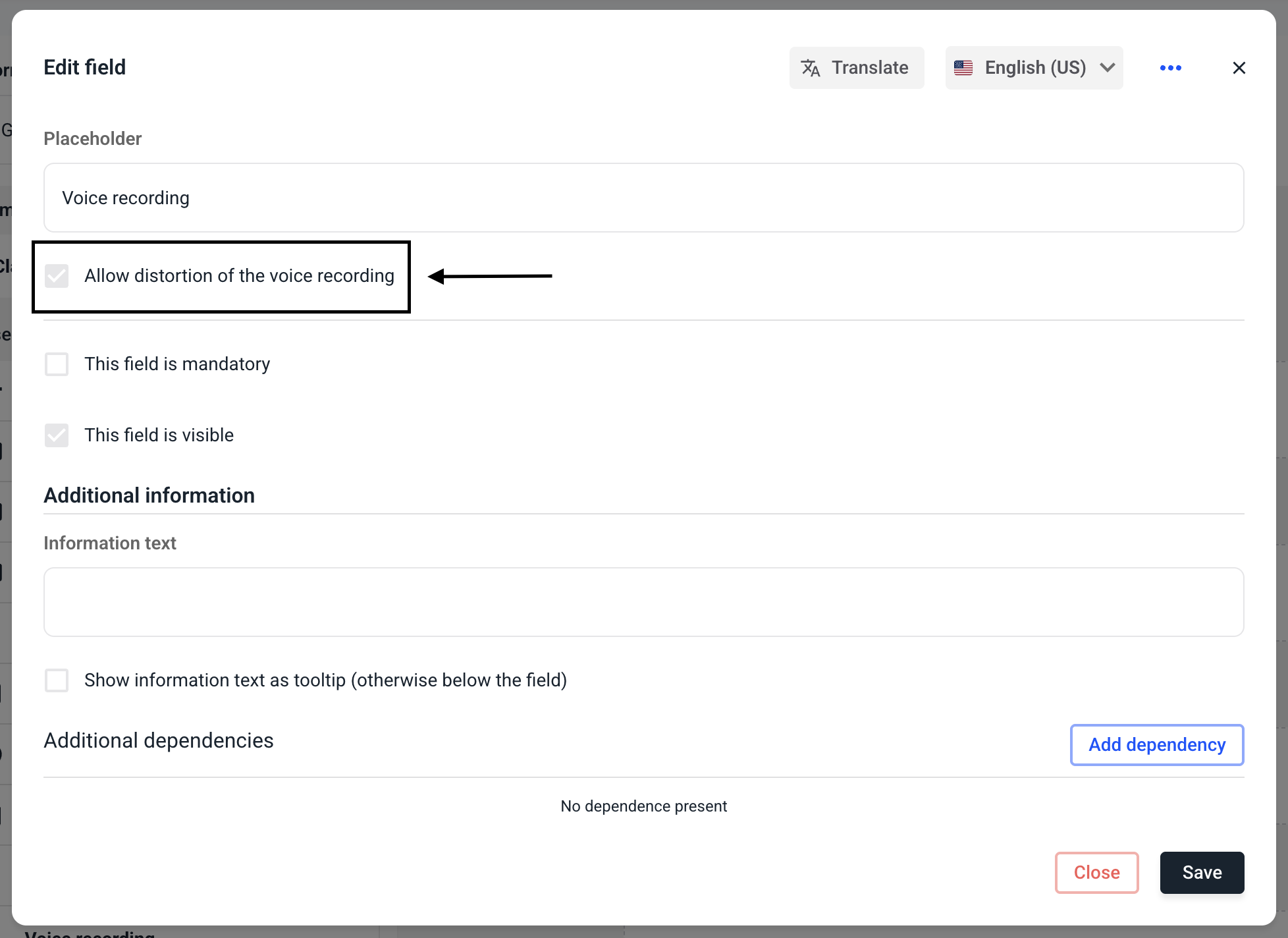
Click on Save.
Save the entire form.