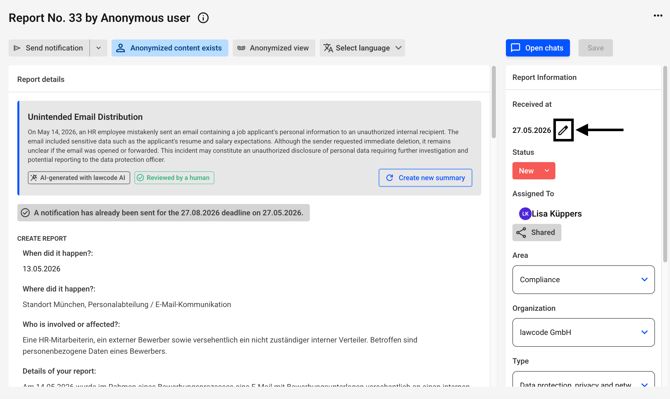
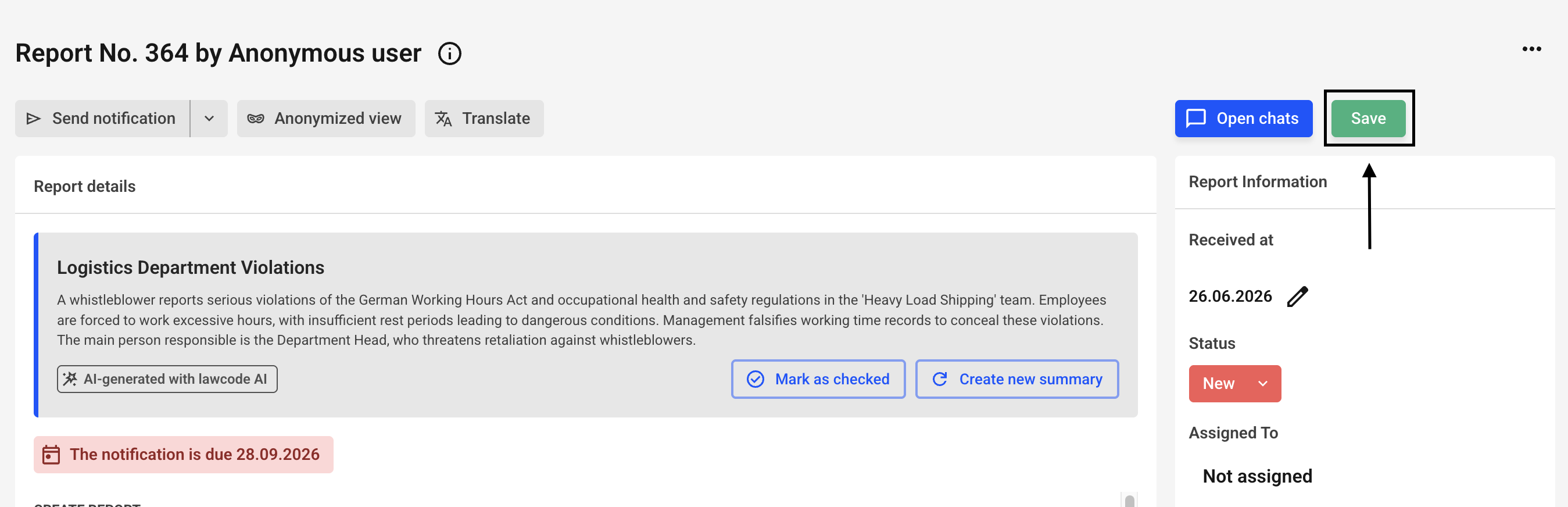
Click the edit pencil icon next to Received at to change the creation date.
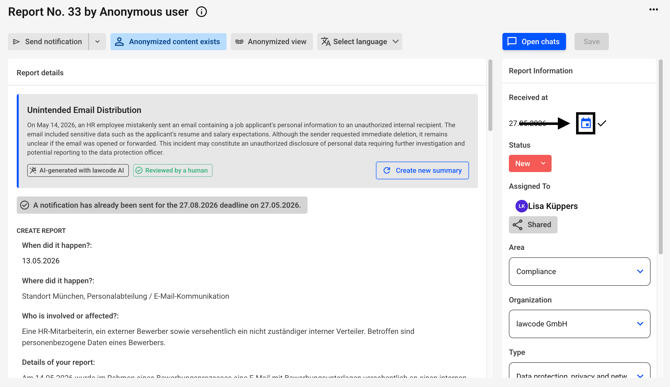
The following screen will open. Click the calendar icon there.
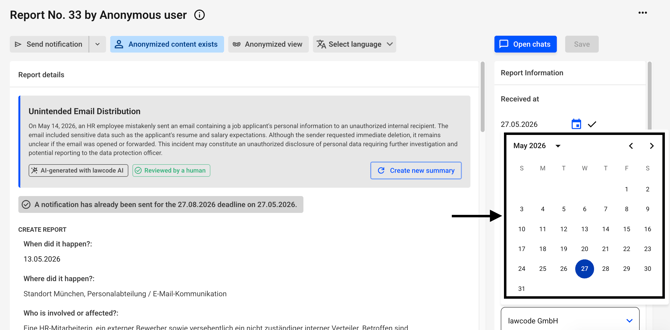
Select a date.
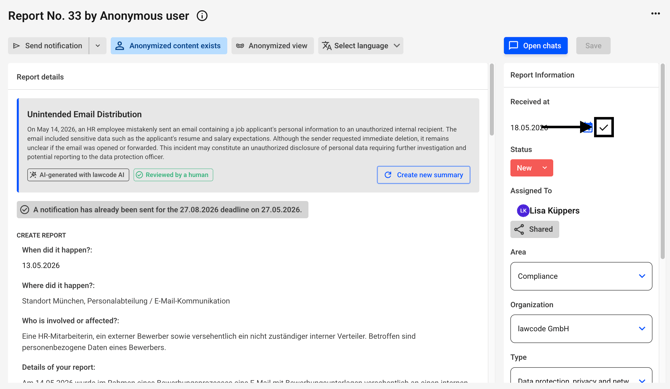
Confirm your change by clicking the checkbox.
Now click on Save.
/Lawcode%20Logo%20(White).svg)
Click the edit pencil icon next to Received at to change the creation date.
The following screen will open. Click the calendar icon there.
Select a date.
Confirm your change by clicking the checkbox.
Now click on Save.