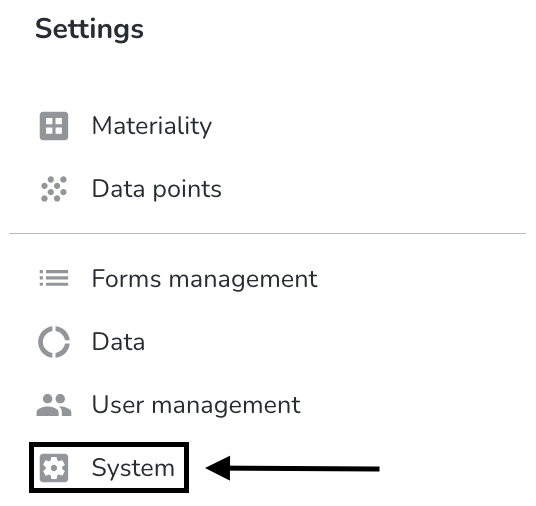
To delete the company font, click on System under Settings.
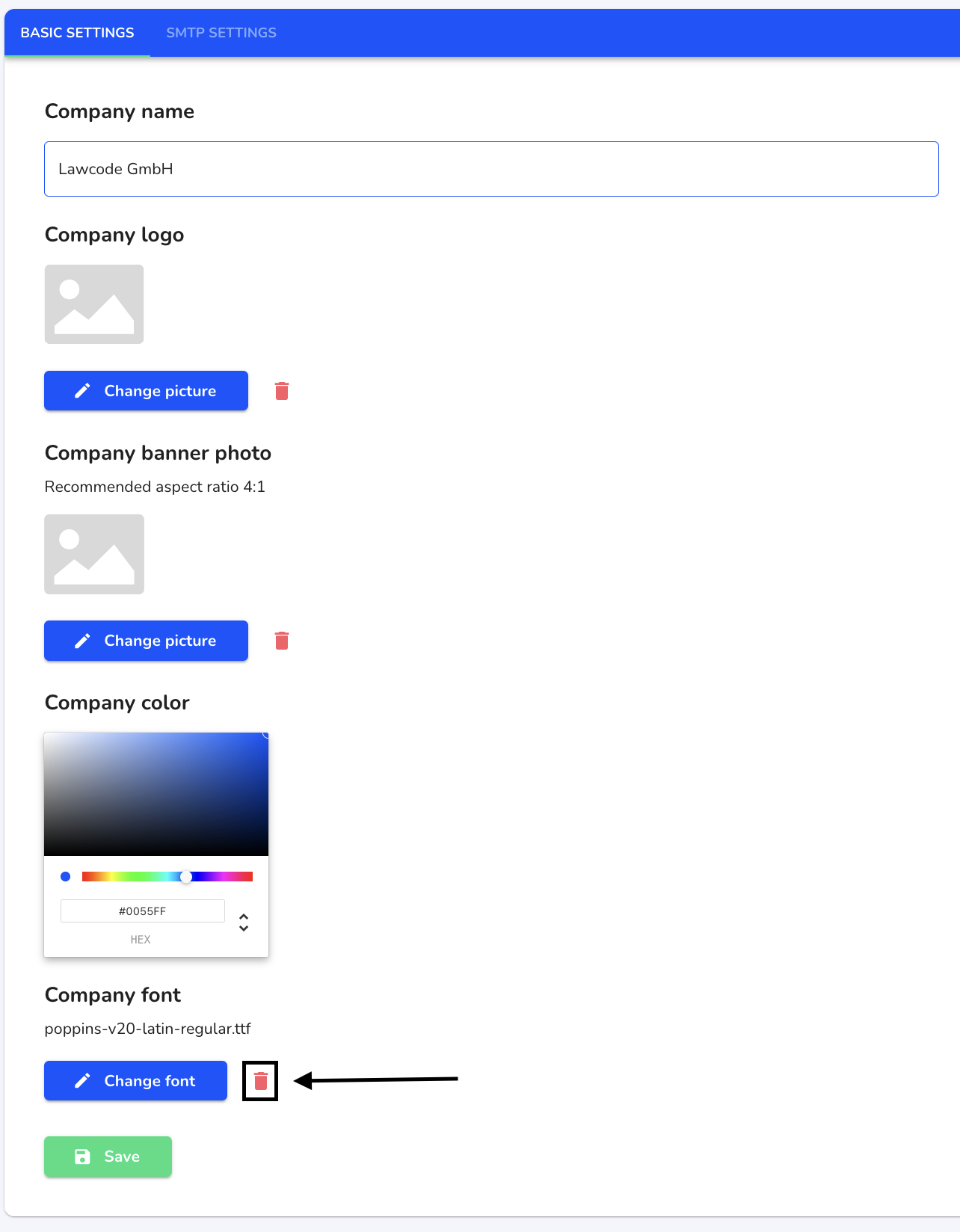
Click on the recycle bin to delete the font.
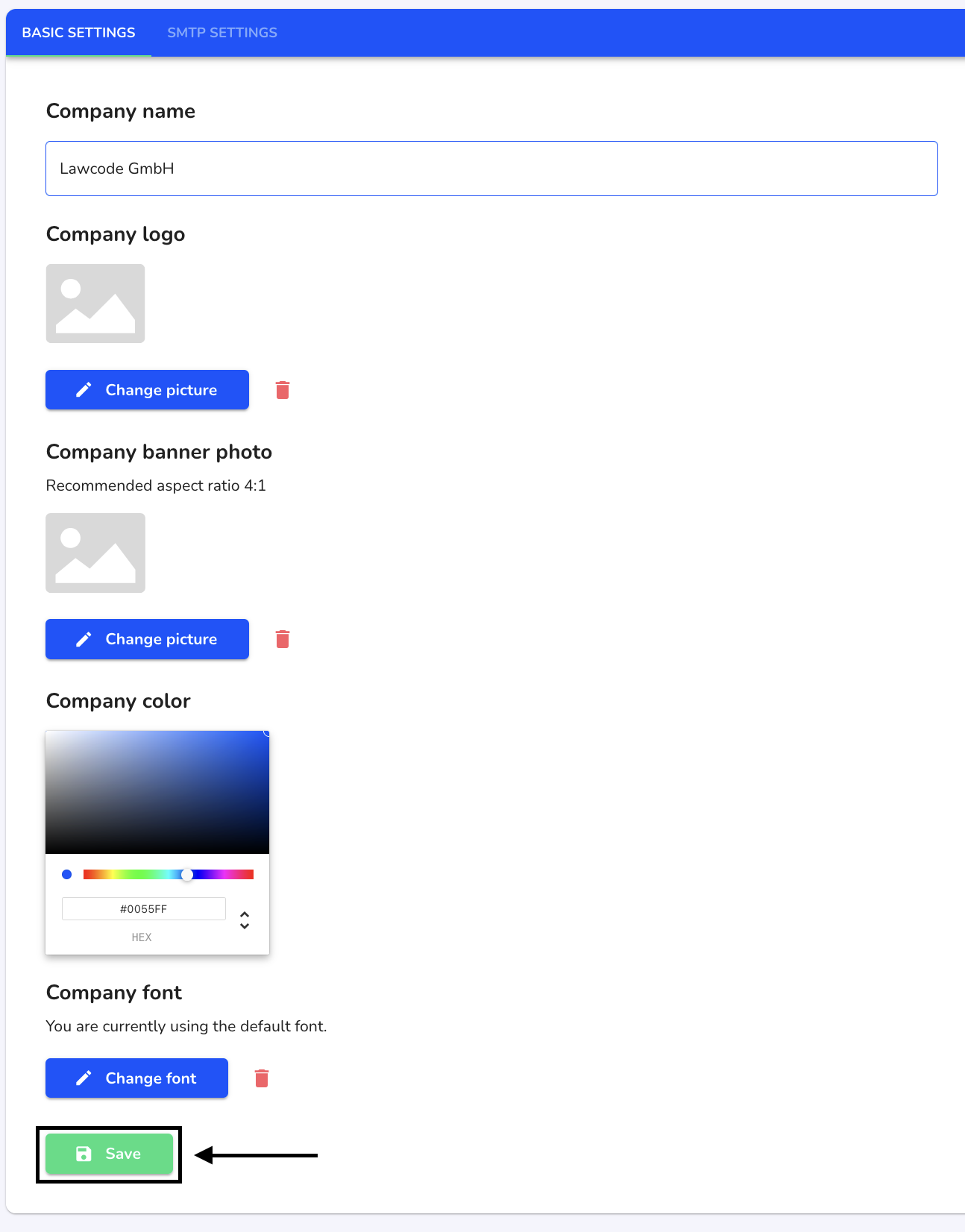
Click on Save to apply the change.
/Lawcode%20Logo%20(White).svg)
To delete the company font, click on System under Settings.
Click on the recycle bin to delete the font.
Click on Save to apply the change.