/Lawcode%20Logo%20(White).svg)
IMPORTANT: Group chats cannot be deleted. You can only leave them. You can find an explanation of this here.
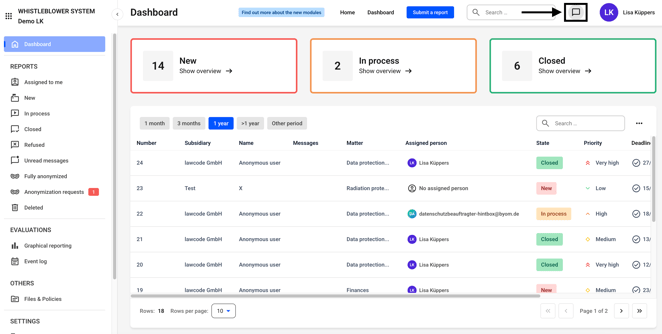
The chat function can be accessed from anywhere. To do so, click on the highlighted icon.
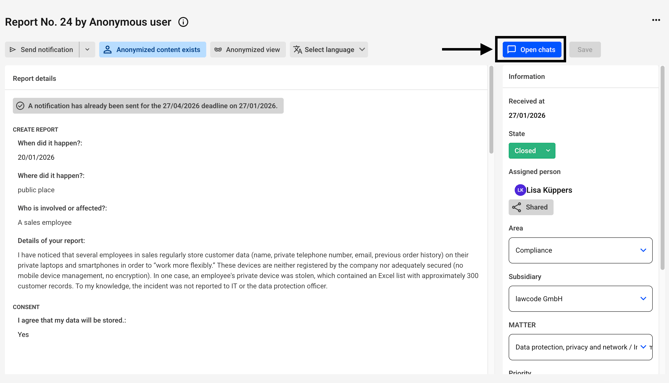
Alternatively, the chat can also be found on every report.
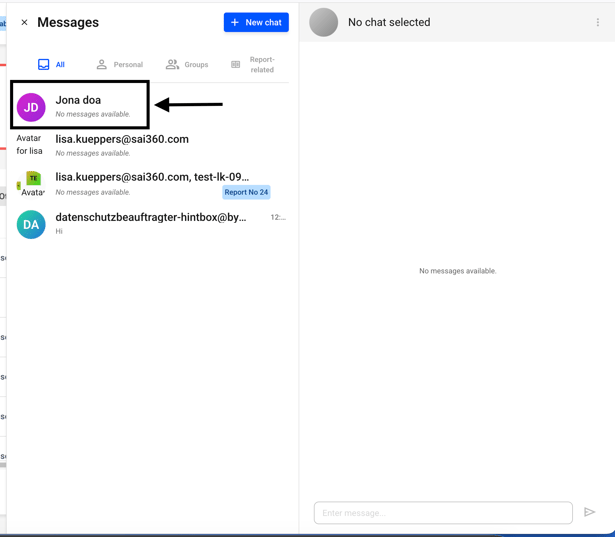
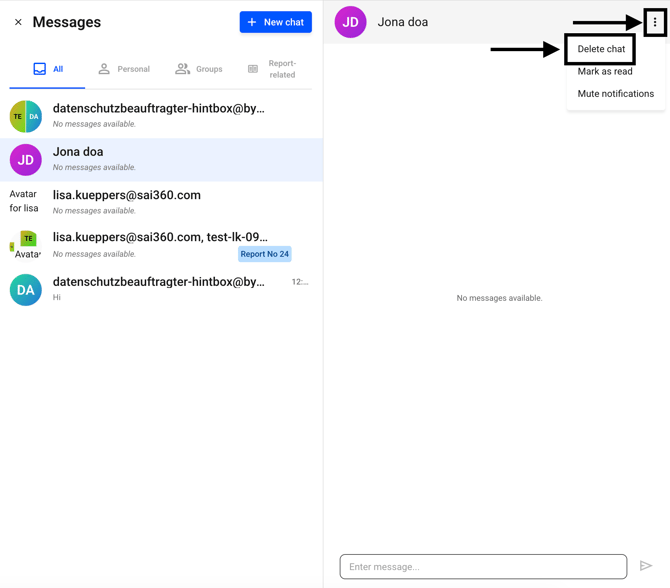
Select the appropriate chat from the selection.
Then click on the three dots and select Delete chat.
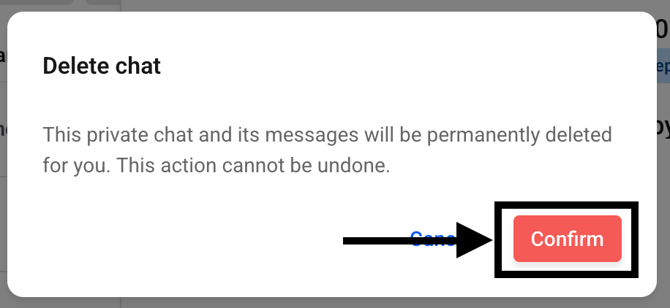
A dialog box will open. Click on confirm.