To restore a user, click on Suite settings.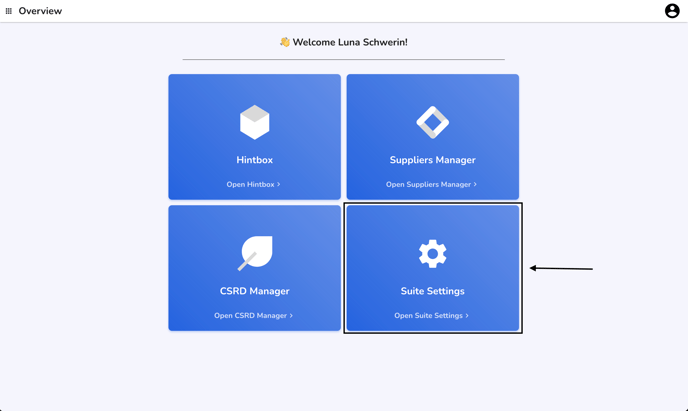
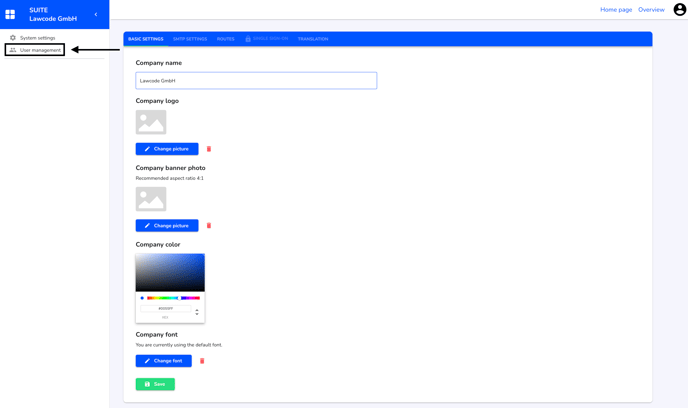
Click on User management.
Click on Deleted Users.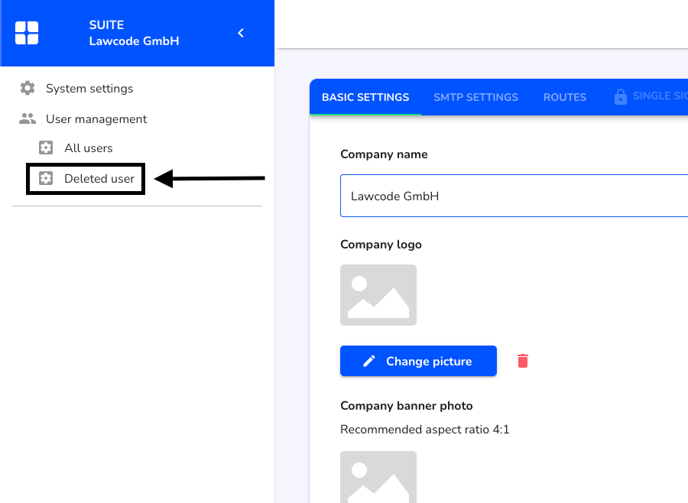 Click on the arrow of the user you want to restore.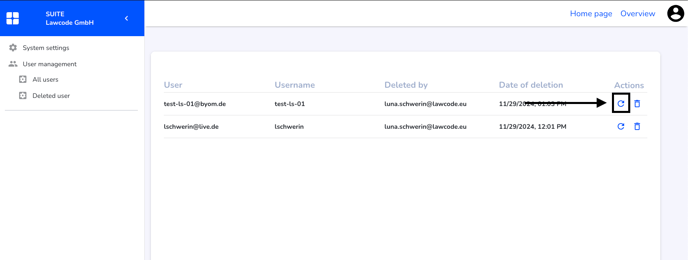
/Lawcode%20Logo%20(White).svg)
To restore a user, click on Suite settings.
Click on User management.
Click on Deleted Users.Click on the arrow of the user you want to restore.