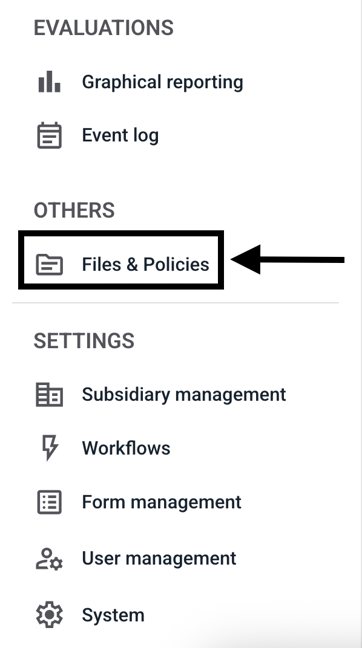
To download a file in the Files & Policies area, first click on Files & Policies.
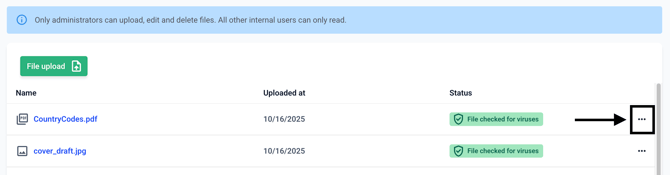
Now click on the three dots of the file you wish to download.
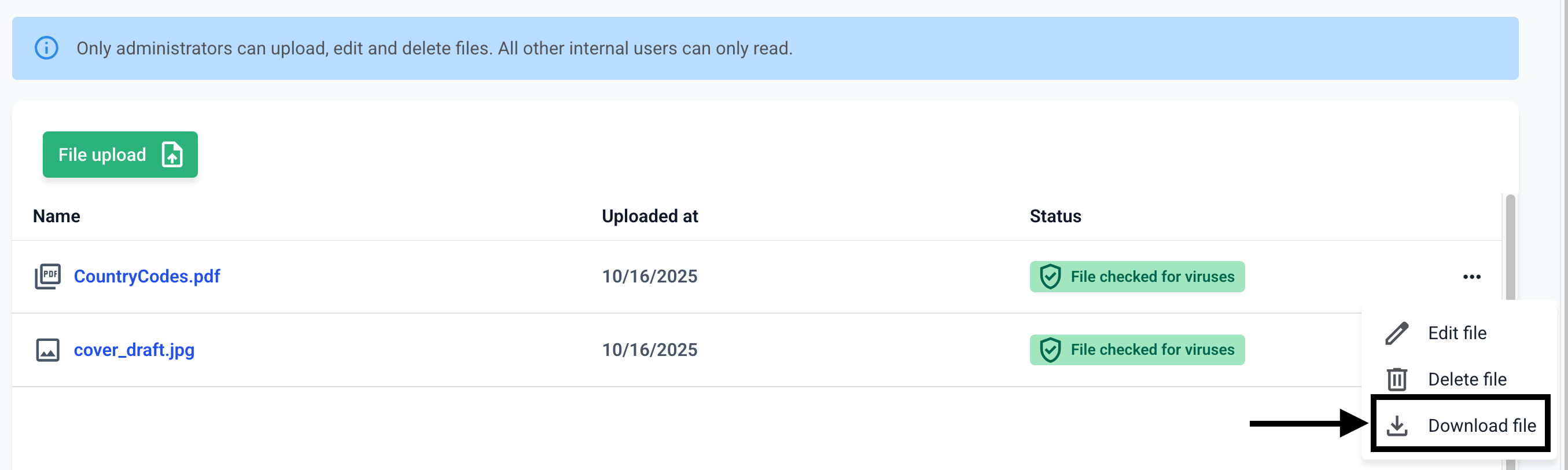
Now click on download file.
A new tab will open in which you can download the file.

To download a file in the Files & Policies area, first click on Files & Policies.
Now click on the three dots of the file you wish to download.
Now click on download file.
A new tab will open in which you can download the file.